

 Akela
Akela Join your academy
Your coach shared this link with you. Follow these simple steps to install the app, create your account and join your academy.
Looking to create an account for your child?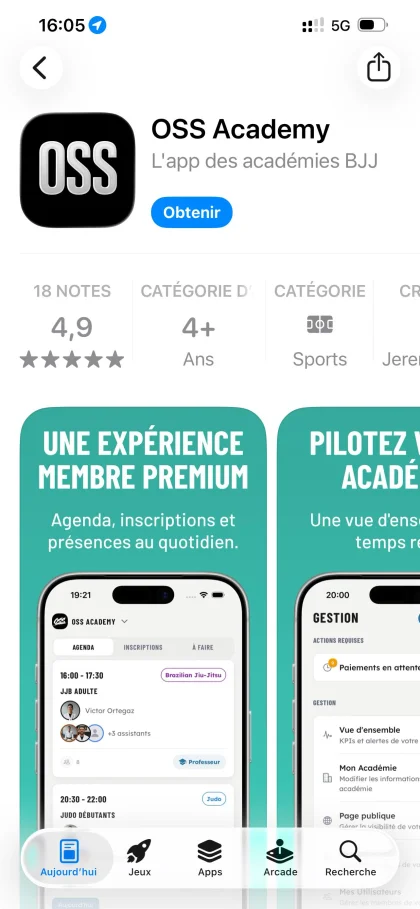

Download the app
OSS Academy is available on iPhone, Android and the web. Download the app to get started.
- Available on iOS, Android and web browser
- Installs in under a minute
Copy it before you download: the app will ask for it when you join your academy.
Create your account
As soon as you open the app, tap “Join an academy”, then fill in the form in your own name.
- Sign up with your email address
- Fill in the form in your own name, then tap “Create my account”
Join your academy
On the home screen, tap “Join an academy” and enter the code provided by your academy. The academy owner will then approve your request.
- Tap “Join an academy” on the home screen
- Enter the code provided by your academy
- The academy owner approves your request
- Complete your profile and required documents, even while awaiting validation
Sign up for classes
Once approved by your academy, you see every class on the home screen. To sign up for a class, subscribe to the plan or product that includes it, pay online, and you can register.
- Find all your academy's classes on the home screen
- Choose the subscription or product that includes the class
- Pay online securely (installments available)
- Your subscription is activated and you are enrolled in the class
Your academy may ask for documents before enrolment (medical certificate, house rules to sign). Find them under “Required documents” on your profile.